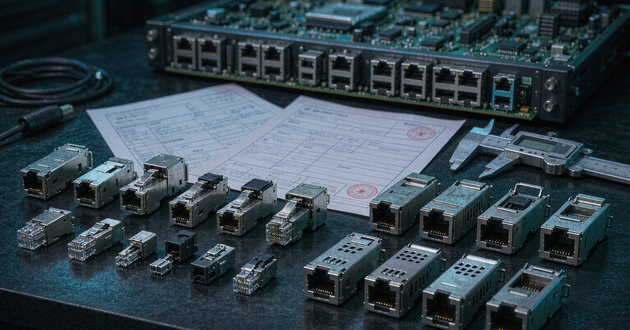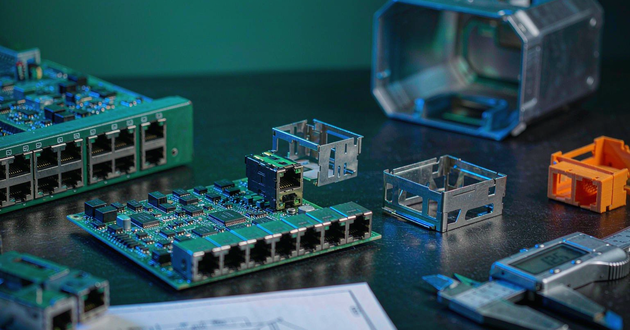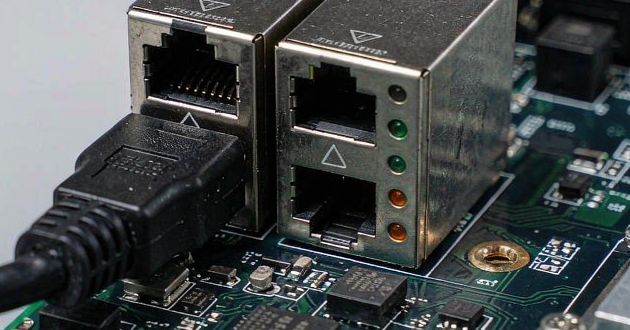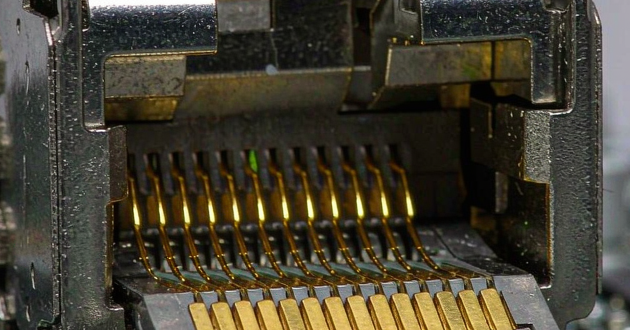
RJ45 LED connector troubleshooting starts by confirming the Ethernet link independently of the LEDs. A port can exchange data while its indicators remain dark because the LED circuit, physical-layer (PHY) transceiver configuration or optical path does not match the design. When the PHY reports no link, investigate the Ethernet connection as well as the indicator circuit.
For OEM switches, gateways and embedded boards using RJ45 with magnetics, this distinction helps identify whether the next action belongs in the schematic, firmware, assembly inspection or connector specification. The checks below follow that decision through an actual GLGNET drawing and PHY manufacturer documentation.
RJ45 LED Connector Troubleshooting Starts With Link Status
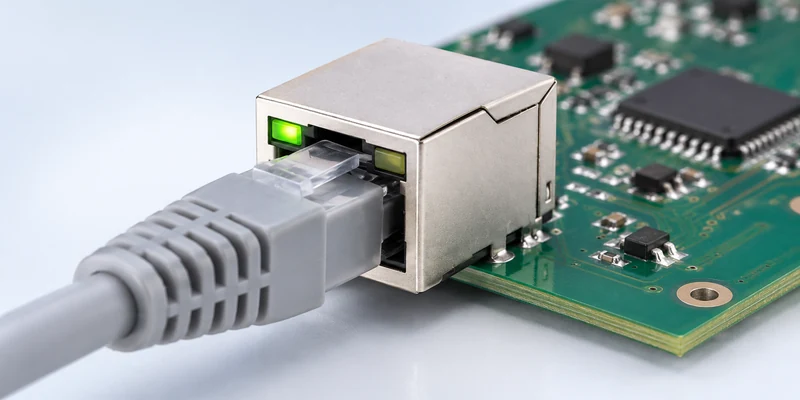
Record what the port actually does before changing components. Read the PHY’s link status through its management interface, where available, and confirm the negotiated speed. Then check traffic through the affected port. Successful communication on another interface, such as Wi-Fi, tells you little about this Ethernet connection.
A PHY-reported link-up state confirms a physical link; it does not confirm IP addressing or application connectivity. Equally, an unlit indicator alone cannot establish that the connector’s magnetics have failed. TI’s DP83867 troubleshooting guide separates device initialization, the cable-facing interface and the MAC interface, providing a useful framework when the link itself is absent.
Use the observations together to choose the next check. The following table suggests investigation paths rather than assigning a cause from appearance alone.
| Observation | Evidence to collect | Next area to investigate |
|---|---|---|
| Traffic passes, but the LED stays off | PHY link status and LED-pin waveform | LED routing, polarity, drive configuration and optical path |
| The LED remains solid during traffic | Selected LED function and activity waveform | Whether the output indicates link, speed or activity |
| No link is reported and both LEDs are dark | Known-good cable and partner; PHY supply, clock and reset | Link establishment and device initialization |
| Indication changes after software starts | Register readings before and after initialization | Firmware configuration or a changed pin function |
| The PCB LED lights, but the panel appears dark | Direct LED observation and mechanical alignment | Light-pipe coupling, position and obstruction |
Keep cable and partner substitution controlled. Change one item at a time and record the outcome, so a successful retest identifies something useful rather than merely showing that the symptoms disappeared.
Read the RJ45 Connector Pinout and LED Circuit
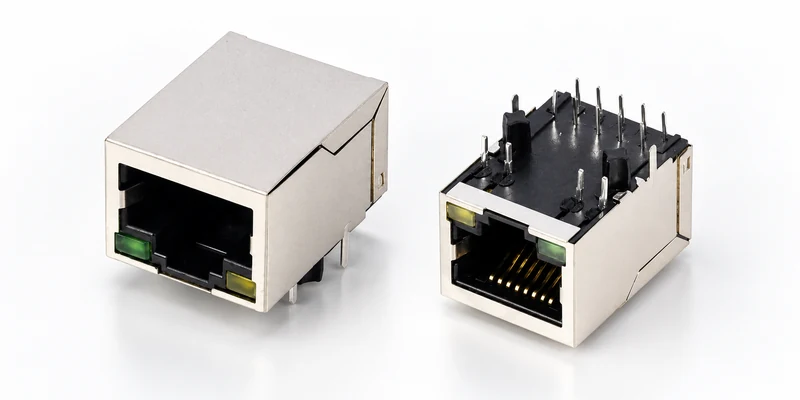
Use the complete part number and drawing revision to review the RJ45 connector pinout. The eight cable contacts do not define the connector’s LED connections. A jack with integrated magnetics also has a PCB-side circuit that must be read separately from a cable termination diagram.
GLGNET’s JLFA1S805-G/YP provides a concrete example. Its published drawing 130005-06811 shows separate green and yellow LED circuits and identifies their PCB connections as P11–P14. This is a model-specific arrangement, so copying the footprint or LED wiring from a visually similar jack can introduce an error.
Check the drawing’s viewing direction before tracing the board. Component-side, solder-side and mating-face views can place apparently corresponding connections on opposite sides. Document the RJ45 jack pin numbers separately from the LED terminal numbers. Match the schematic symbol to the footprint, then verify MagJack LED polarity by tracing each anode and cathode against the manufacturer’s circuit.
The same drawing specifies the green LED at 2.2 V typical and 2.4 V maximum forward voltage, measured at 20 mA. That current is the stated test condition, not a universal requirement for a PHY output. The intended operating current must also fit the selected PHY driver and the board’s current-limiting circuit.
For a resistor-driven branch, review the available voltage after the LED’s forward drop and the driver’s voltage drop, including component tolerances. A driver with regulated current needs its own specified connection. There is no single resistor value that suits every RJ45 connector with LED configuration.
Where a series resistor carries only the LED current, use its measured voltage drop and resistance to estimate branch current. If the PHY output reaches its expected active state but branch current is absent, check the supply path, polarity, connections and assembly against the schematic. For a pulsed output, distinguish current during the illuminated interval from its time average. Comparing an average reading directly with a datasheet test current can lead to a mistaken diagnosis.
With power removed, inspect solder joints and trace continuity along the LED branch. An in-circuit diode measurement can be influenced by parallel paths, so interpret it against the schematic. Any separate LED test should use controlled current with the branch appropriately isolated from the PHY and board supplies.
Check PHY LED Drive for the RJ45 MagJack
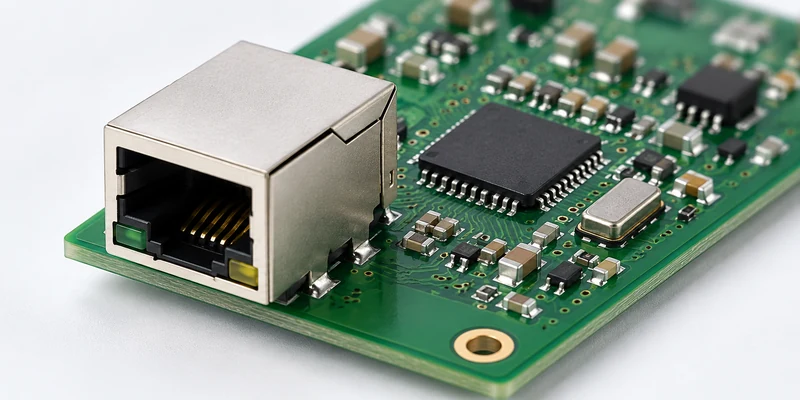
When the PHY drives the RJ45 MagJack LEDs, review the assigned function of each PHY output before treating its visible pattern as a fault. Link, speed and activity are different indications; an output configured for link can correctly remain solid while packets pass.
In TI’s DP83867E LED Operations discussion, the engineer explains that the example’s LED_0 and LED_1 do not blink by default, while LED_2 indicates transmit and receive activity. The discussion also identifies errors in the board’s strap network. Those details apply to that PHY configuration rather than defining a standard pattern for every Ethernet port.
Some PHYs share LED pins with configuration straps sampled during startup or reset. The external LED circuit therefore needs to satisfy both its indicator function and the required startup bias. Changing a pull resistor to improve illumination can also change the setting sampled by the PHY.
Microchip’s LAN8742A/LAN8742Ai datasheet, Sections 3.8.1.5 and 3.8.1.6, illustrates this interaction: LED1 shares REGOFF, and LED2 shares nINTSEL. LED polarity depends on the associated strap arrangement. A design copied from another PHY can consequently produce unexpected behavior even when the LED itself is functional.
For DP83867 designs, TI identifies STRAP_STS1 at 0x006E and STRAP_STS2 at 0x006F for checking sampled strap settings, using its documented extended-register access procedure. Comparing readback over repeated cold starts can help expose inconsistent startup settings. Use the corresponding registers and procedure for other PHYs.
Compare configuration immediately after reset with configuration after firmware initialization. A changed LED function or polarity setting can explain why the same hardware behaves differently across software versions. Where the PHY supports an LED test or forced state, follow that device’s procedure to separate output control from normal link events.
Magnetic RJ45 Connector LEDs and Light Pipes
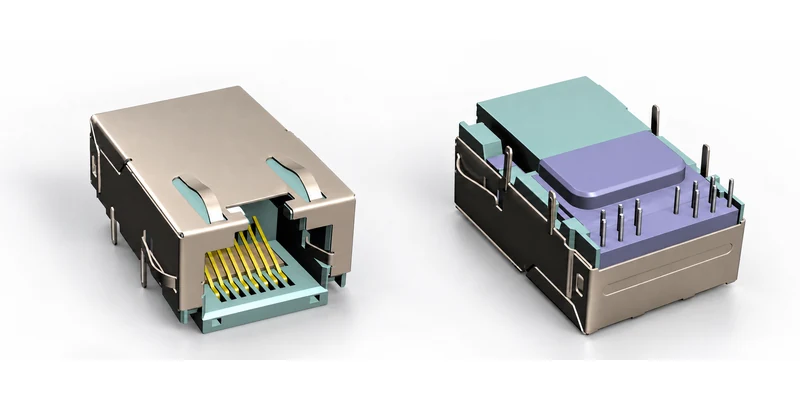
A magnetic RJ45 connector can use LEDs within the assembly or light pipes that bring light from another location to the visible port. The optical arrangement changes how a dark panel indicator should be investigated.
GLGNET’s JGIA1T827 is listed with light pipes. Its drawing 130079-00111 identifies soldering pads for SMD LEDs on the PCB layout. That drawing makes the board-mounted light source part of the indication system; the light pipe itself does not generate light.
Observe the source LED directly before judging the assembled panel. If it emits light but the port appears dark, compare the LED’s fitted position and orientation with the mechanical drawing. Review the distance and alignment between the emitter and the light-pipe entrance, together with panel openings and possible obstructions.
If the source LED remains dark, return to its electrical branch and PHY control. Increasing current cannot correct an alignment error, and replacing the connector cannot correct an unpopulated or incorrectly connected board LED.
Check visibility again with the PCB, connector and panel in their final positions. A source that looks bright from directly above the board may couple poorly into the assembled light pipe. Keep the electrical test and the assembled visibility check as separate acceptance observations, with a consistent viewing position for comparison.
During connector comparison, establish where the LED is physically located, which drawing specifies it and who supplies it. A description such as “with light pipes” needs the associated PCB and assembly information before the complete indicator arrangement can be approved.
Build an RJ45 Jack Connector Troubleshooting Record
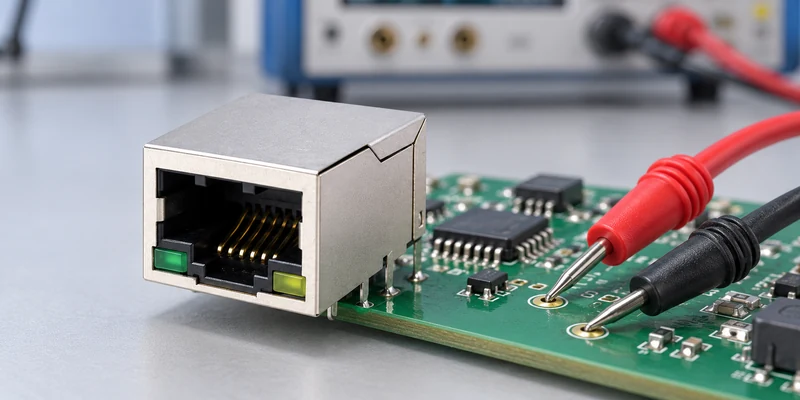
A useful RJ45 jack connector investigation should allow another engineer to reproduce the symptom. “Green LED not working” is incomplete because it leaves the operating state, expected function and measurement conditions undefined.
Start the record with the board revision, firmware version, PHY part number and connector drawing revision. Identify the affected port and viewing direction. State whether the observation occurs after a cold start, after reset, during link negotiation or only when traffic begins.
Alongside the visible behavior, record link status, negotiated speed, relevant LED configuration and the measured output waveform. Measure at both the PHY output and the connector-side node when the circuit permits, then compare the readings with the circuit’s expected behavior. Different voltages across a series resistor are normal; the difference alone does not establish a broken connection. Investigate a missing expected signal or an unexpected voltage drop along the branch. A multimeter average can conceal pulsed behavior, so capture a waveform when blinking is the issue.
Compare affected and working boards under the same cable, partner, supply and software conditions. Keep measured values separate from assumptions, and record each modification individually. Microchip’s LAN8742 QFN schematic checklist is a useful example of checking LED connections alongside the PHY’s other circuit requirements.
For an intermittent symptom, record how many boards were checked, how many startup cycles were observed and which sequence reproduced the fault. Distinguish a cold start from a software restart or hardware reset. That information helps determine whether an apparent component inconsistency instead follows a particular initialization or assembly condition.
The record should end with evidence for the next action: correct an LED net, change a documented setting, inspect an assembly difference or request a different connector configuration. This also gives purchasing a defensible reason for an engineering change rather than an instruction to find a jack with the same colors.
Specify LED Requirements for RJ45 With Integrated Magnetics
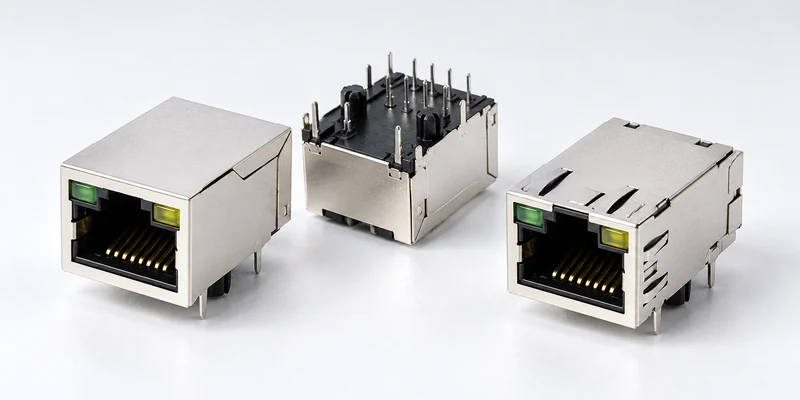
Once the investigation identifies the relevant requirement, translate it into a sample specification for an RJ45 with integrated magnetics assembly. Specify the visible color on each side using a defined viewing direction, then identify the electrical circuit that must produce that indication.
Include the required LED polarity, pin mapping, operating-current conditions and PHY output arrangement. For light-pipe designs, add the board LED position and relevant mechanical files. Define expected behavior during link establishment, idle operation and controlled traffic. Record the sample’s exact part number and drawing revision, and check the agreed indication after cold starts and resets before approving its LED configuration.
Separate mandatory requirements from preferences in the request. An existing PCB may fix the LED pinout, while a new enclosure may allow a different indicator position. State which changes need engineering approval and ask for the proposed configuration on a drawing. A product photo or a color description cannot communicate those boundaries reliably.
An RJ45 connector supplier also needs the original schematic and reference part number to evaluate compatibility. A matching LED arrangement does not establish that the magnetic circuit or footprint is suitable. If a substitute is required, use GLGNET’s MagJack cross-reference guide for the broader replacement assessment.
GLGNET’s magnetic RJ45 connector range includes support for reviewing LED circuits, PHY compatibility and PCB requirements. Send your PHY model, LED schematic, connector drawing and panel photos to discuss an appropriate configuration. Confirm the current controlled drawing and evaluate the proposed sample on your board before approving it for production.
RJ45 LED Connector Troubleshooting FAQs
Can an RJ45 link work while its LEDs remain off?
Yes. LED indication uses circuitry and configuration that can fail to match the board even when Ethernet communication works. Verify the affected port’s link status and traffic first, then investigate LED wiring, driver settings and any light-pipe arrangement. A dark indicator alone is insufficient evidence for replacing the magnetics.
Do matching LED colors guarantee matching LED circuits?
No. Two green/yellow jacks can differ in LED pinout, polarity, internal connections and electrical characteristics. Compare the actual drawings and PHY requirements. The meaning of each color also depends on the device’s configured indication scheme, so color alone cannot establish speed or activity behavior.
Does a MagJack with light pipes necessarily include the LEDs?
No. Light pipes guide light from a source whose location depends on the design. The JGIA1T827 drawing shows PCB soldering pads for SMD LEDs, illustrating why the optical structure and board LED arrangement must be checked together. Confirm the relevant assembly drawing and supplied components for the selected part.
For related connector guidance, review the 2.5G vs 5G vs 10GBASE-T MagJack selection guide, the MagJack cross-reference guide, the PoE magnetic RJ45 connector guide, the custom connector design checklist, and the SFP port connector selection guide. Browse GLGNET’s magnetic RJ45 connector portfolio or explore networking connectivity solutions for more.