Yes, RJ45 pinout still matters even when the cable appears to work. A link light or successful connection only confirms that the devices can communicate at some level. It does not prove that all four twisted pairs are correctly terminated or that the cable can support its expected speed.
This article explains why an incorrect RJ45 pinout may still allow an Ethernet cable to work, while causing slower speeds, unstable connections, or PoE issues. It also outlines the common warning signs and practical checks used to identify hidden wiring problems. If you want a clear reference for correct wiring, you can start with our RJ45 Pinout Guide 2026 before troubleshooting suspect cables.
Why Can the Wrong RJ45 Pinout Still Work?
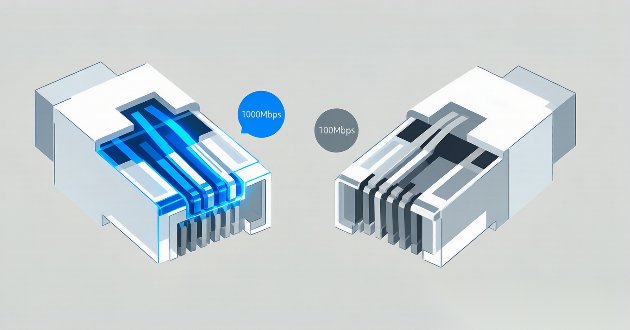
An incorrect RJ45 pinout does not always cause an immediate connection failure. Depending on which conductors are affected, the connected devices may simply settle on a lower link speed.
Gigabit Ethernet relies on all four twisted pairs, whereas 10/100 Mbps connections can operate through two pairs. If one pair is open, poorly seated or incorrectly terminated, a Cat6 cable may still provide network access while remaining limited to 100 Mbps.
That is why a cable can appear normal during web browsing but perform poorly during file transfers, video streaming or other bandwidth-heavy tasks.
Modern networking equipment can also mask certain wiring mistakes. Auto-negotiation selects a speed that both devices can maintain, while Auto MDI-X can compensate for some transmit-and-receive pair arrangements.
However, these features cannot correct a split pair, damaged conductor or weak contact. A cable that works on one switch may still become unstable when connected to older equipment or used in a more demanding network.
Hidden RJ45 Wiring Errors: When Correct Pin Numbers Are Not Enough
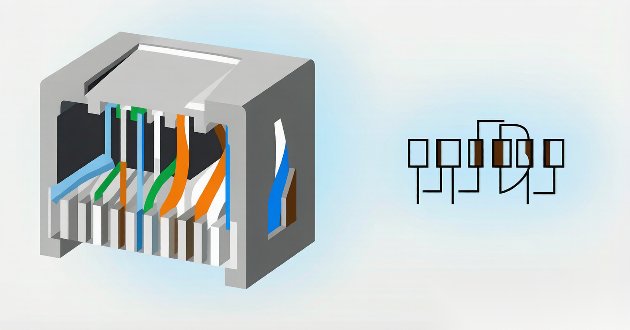
A split pair is one of the most difficult RJ45 wiring faults to identify.
With this problem, each numbered pin may still connect to the same pin at the opposite end. A basic tester can therefore display a normal sequence from Pin 1 through Pin 8.
The electrical path is complete, but the pair structure is wrong. Ethernet signals are designed to travel through two conductors twisted around each other. When the conductors are taken from different physical pairs, the cable loses part of its resistance to crosstalk and outside interference.
A short cable with a split pair may continue to function. As the cable length or traffic load increases, signal errors become more noticeable. Possible results include inconsistent throughput, packet retransmissions and failure to maintain a Gigabit connection.
For this reason, successful continuity testing does not prove that the cable is correctly terminated. The orange, green, blue and brown pairs must remain properly matched from one end to the other.
Common Signs of an Incorrect RJ45 Pinout
A Gigabit-capable connection that repeatedly negotiates at 100 Mbps is one of the strongest indicators of a termination problem.
The issue may be as simple as a conductor that did not reach the front of the RJ45 plug. At a wall jack, an IDC terminal may not have fully penetrated the insulation. Either fault can disable one pair without stopping the connection completely.
Connector compatibility can produce similar symptoms. A modular plug intended for stranded patch cable may not make reliable contact with solid horizontal cable. Problems can also occur when the conductor diameter or insulation size falls outside the connector specification.
Another warning sign is a cable that passes a short bench test but becomes unreliable after installation. Longer channels are less tolerant of excessive untwisting, poor pair separation and marginal contacts.
Heavy traffic often exposes these weaknesses. Large file transfers, surveillance video and continuous backups can trigger sudden speed drops or brief disconnections that are not noticeable during light browsing.
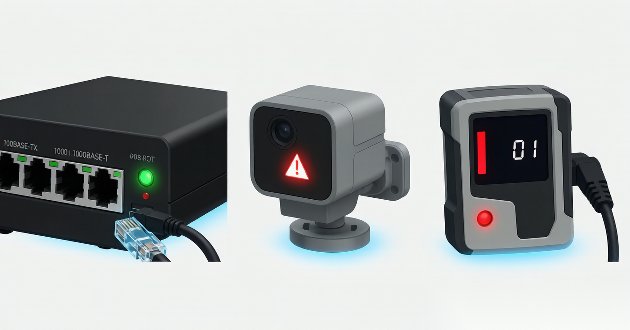
PoE devices may show a different pattern. An access point or IP camera may start normally, then restart when power demand rises. Although this can have several causes, loose conductors and high-resistance contacts should be included in the inspection.
How to Diagnose an RJ45 Pinout Problem
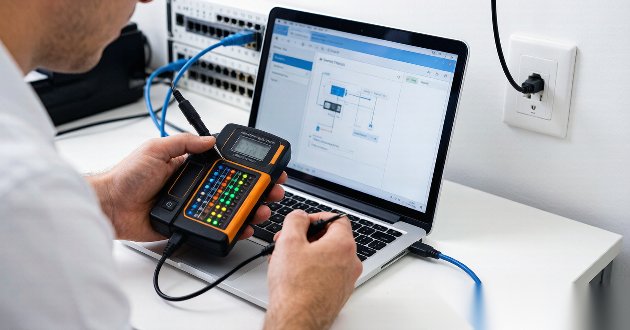
Begin by checking the negotiated link speed. When a computer and switch both support Gigabit Ethernet but the connection reports only 100 Mbps, inspect the cable channel before replacing the network hardware.
The fault may not be at the visible plug. A structured cabling link can include patch cables, wall jacks, keystone modules, patch panels and couplers. One poor contact anywhere along that path can affect the entire connection. For a structured approach to these symptoms, see our RJ45 cable connection troubleshooting guide.
Female jacks should always be terminated according to the T568A or T568B diagram printed on the specific product. Their rear IDC layout often looks different from the straight color sequence inside a plug because the conductors are routed internally to the correct contacts.
A basic wire-map tester can identify opens, shorts, reversals and obvious crossed conductors. If the tester shows a correct Pin 1-to-Pin 8 sequence but the network remains slow, inspect the physical pair arrangement and the amount of untwisting near each termination.
Longer Cat6 and Cat6A installations may require qualification or certification testing. These tools can evaluate performance problems that a simple continuity tester cannot reveal.
Before re-terminating the cable, rule out other possible limitations. Confirm the switch-port speed, review the network-adapter settings and test with a known-good patch cable. Any unnecessary couplers should also be removed temporarily.
The connector itself must match the cable category, conductor construction, wire gauge and insulation diameter. A correct color sequence cannot compensate for incompatible termination hardware. If you need to re-terminate a plug, our step-by-step guide to connecting a Cat6 RJ45 connector can help you get a reliable result.
Conclusion
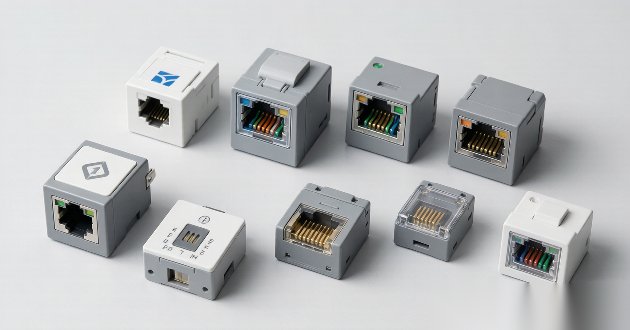
RJ45 pinout matters even when an Ethernet cable appears to be working. Some faults allow the link to remain active while reducing speed, increasing signal errors or making PoE operation unstable.
A reliable connection depends on more than matching numbered pins. The twisted pairs must remain intact, every conductor must make secure contact, and each connector must be suitable for the cable being used.
When you replace jacks, plugs or patch panels, choose components that match the cable category and conductor construction. Our guide on how to choose the best RJ45 female connector covers the key selection points for network and industrial installations.
GLGNET provides RJ45 jacks, magnetic RJ45 connectors, shielded interfaces and custom pin configurations for network equipment and industrial Ethernet applications. Contact GLGNET for support with connector selection, PoE compatibility, PCB layouts and custom RJ45 requirements.
FAQ

1. Can an Ethernet cable work with the wrong RJ45 pinout?
Yes. An Ethernet cable may still establish a connection when enough conductors are working, but the link may fall back to 100 Mbps, become unstable under load, or fail to support reliable PoE.
2. Does a link light mean the RJ45 wiring is correct?
No. A link light only confirms that the connected devices detected a network connection. It does not prove that all four twisted pairs are correctly terminated or that the cable can support Gigabit Ethernet.
3. Why does my Gigabit Ethernet cable connect at only 100 Mbps?
A Gigabit cable may connect at 100 Mbps when one conductor or twisted pair is open, loose, damaged, or poorly terminated. Check both cable ends, wall jacks, patch panels, and couplers before replacing the network equipment.
4. Can a cable pass a basic tester and still have a wiring problem?
Yes. A basic tester may confirm correct pin-to-pin continuity while missing a split pair, excessive untwisting, or weak high-frequency performance. Further testing is needed when the cable passes but remains slow or unstable.
5. What is a split pair in RJ45 wiring?
A split pair occurs when the pin numbers match from one end to the other, but the signal conductors come from different physical twisted pairs. This error increases crosstalk and can reduce speed or connection stability.
6. Does an incorrect RJ45 pinout affect PoE devices?
Yes. Poorly terminated or damaged conductors can interrupt PoE power delivery or create excessive resistance. An access point, IP camera, or VoIP phone may fail to start, restart unexpectedly, or lose connection under higher power demand.