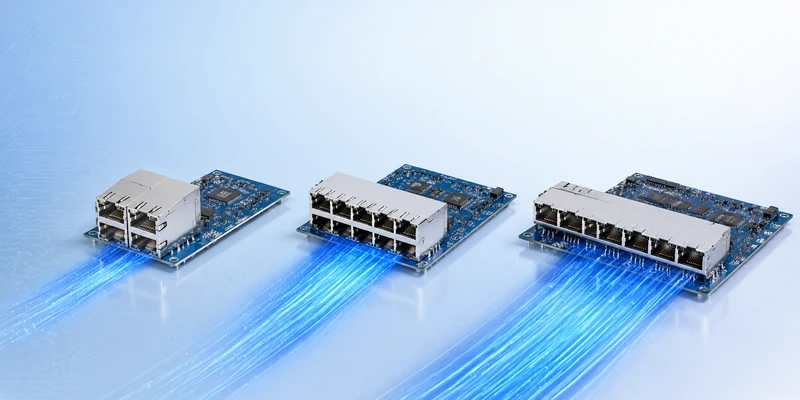
In this post, we’ll break down what an SFP module does, the key features that make it so widely used, how it works step by step, and what to consider when choosing the right option for your network—or for your hardware design.
What an SFP Module Does?
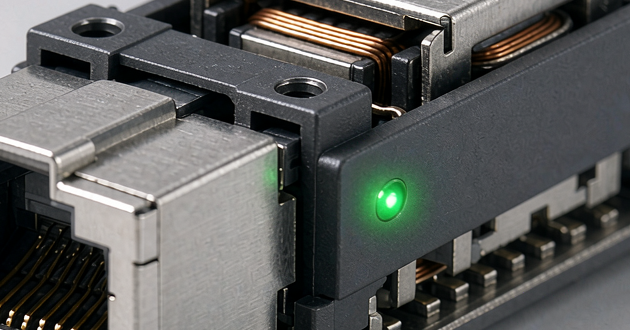
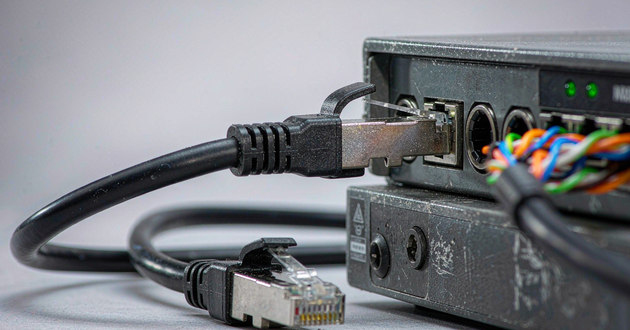
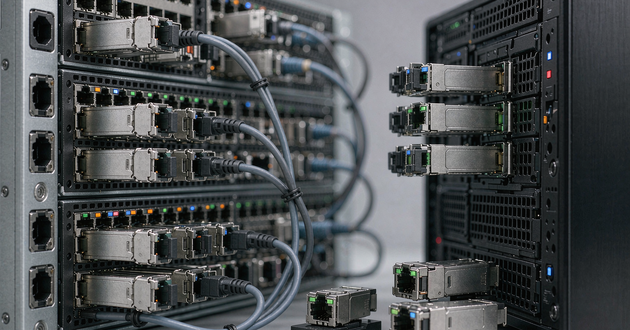
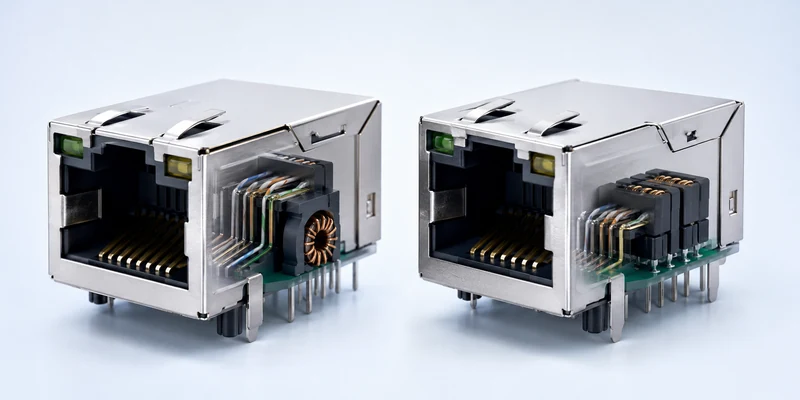
An SFP module (Small Form-factor Pluggable) is a compact, hot-pluggable transceiver commonly used in telecom and data networks. It slides into an SFP slot (cage) on equipment such as switches and routers, providing the physical interface for a network link—most often over fiber, and sometimes over copper.
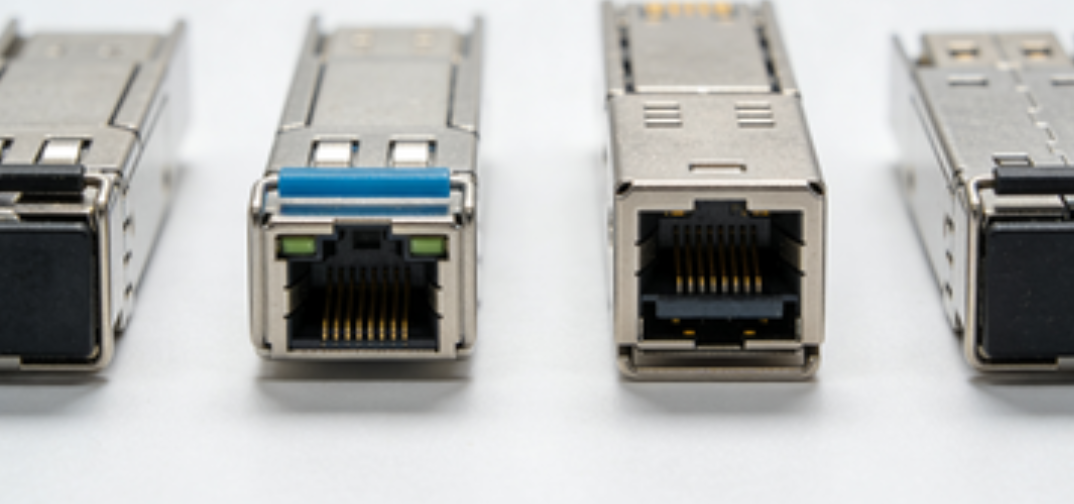
What makes the SFP cage especially useful is its modular design: you can keep the same hardware platform and simply change the module to suit the connection you need—whether that means a different medium, a longer reach, or different optical specifications—rather than being limited to a fixed port type. Because the form factor is standardized through industry multi-source agreements (MSAs), SFP modules are widely supported across networking equipment.
If you want to read more about SFP,you can click it:
https://en.wikipedia.org/wiki/Small_Form-factor_Pluggable
SFP Module Key Functions & Features
|
Key Function / Feature |
What it means (in practice) |
|
Signal Conversion |
Converts electrical ↔ optical signals (depending on fiber vs. copper module type). |
|
Hot-swappable |
You can insert or remove the module while the device is running (when the platform supports it), minimizing downtime. |
|
Media Flexibility |
Swap the module to switch between fiber or copper, and to match different distances/reaches. |
|
Standardized Size |
A compact, standardized form factor that is widely supported across many network devices. |
|
Speed & Reach Options |
Multiple families for different speeds/reaches: 1G SFP, 10G SFP+, 25G SFP28, and QSFP (commonly 40G/100G+). |
1.Signal Conversion (Electrical ↔ Optical)
At its core, an SFP module is a transceiver that sits between a switch/router port and the cabling you deploy. For fiber links, it converts the device’s electrical signals into light pulses for transmission, then converts incoming light back into electrical form at the receiving end. This is what makes it practical to use fiber for longer runs and higher throughput without redesigning the hardware interface on the network device.
2.Hot-swappable (Minimal Downtime)
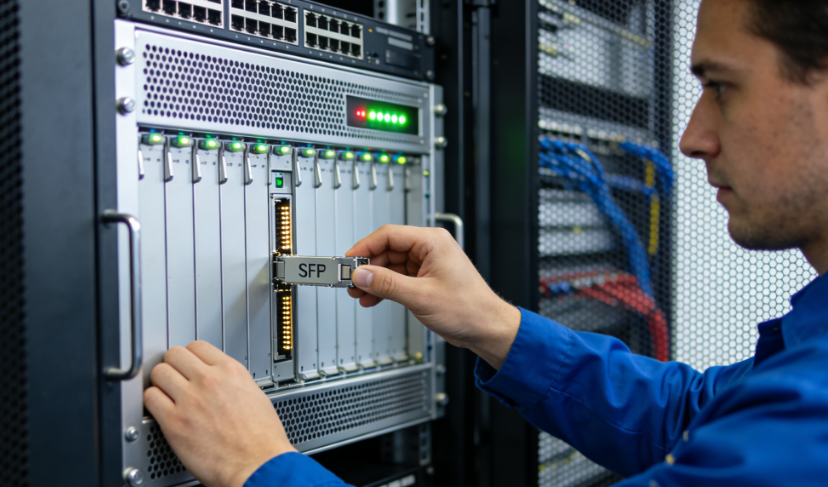
A major reason teams rely on an SFP module is convenience during operations. Most are hot-pluggable, so you can insert or remove a module while the device stays powered on (assuming the platform supports hot-swap). That means quicker replacements, smoother upgrades, and less time spent scheduling disruptive maintenance windows—especially in environments where uptime matters.
3.Media Flexibility (Fiber or Copper, Short or Long Reach)
Because the module is interchangeable, one port can adapt to different physical needs. With the right SFP module, the same slot can run fiber optic connections—or, in some cases, copper (RJ45)—and you can choose options built for short in-rack links or longer uplinks across floors, buildings, or campuses. In other words, you pick the module to fit the deployment, not the other way around.
4.Standardized Size (Compact and Widely Supported)
SFP is also a widely adopted standard form factor, which helps explain its broad support across many vendors. The compact design enables high port density on switches and routers, making it easier to scale in tight spaces like data centers and wiring closets. It also simplifies spares management, since the same module type can often be used across multiple devices and projects.
5.Speed & Reach Options (From 1G to 100G+)
The ecosystem covers a wide range of performance needs. 1G SFP is still common for access and basic uplinks, while SFP+ (10G) and SFP28 (25G) are popular for faster server and aggregation layers. When bandwidth requirements climb further, the QSFP family supports 40G and 100G+, fitting modern designs like spine–leaf while keeping upgrades focused on optics and cabling rather than forcing a full hardware replacement.
How an SFP Connector Works (Simple Step-by-Step)
Step 1: The Switch/Router Hands Data to the SFP Module
When a switch or router transmits through an SFP port, it generates the outgoing traffic as an electrical data stream internally. Once the SFP module is inserted into the cage, it essentially becomes the port’s “physical link adapter,” taking that electrical stream and preparing it for whatever cabling you’re using. The device focuses on forwarding frames; the module handles the physical delivery.
Step 2: The Module Converts and Shapes the Outgoing Signal
Inside the SFP connector, the transmit side adapts the signal to the link type. For fiber optics, the module turns the electrical signal into modulated light using a laser/LED, and the module’s design defines the optics’ key characteristics—such as wavelength and intended reach. For RJ45/copper SFPs, the signal stays electrical, but the module performs the necessary line encoding and conditioning so it can travel reliably over twisted-pair cable.
Step 3: The Signal Travels Through the Medium You Chose
From there, the signal moves across the physical path to the far end.
With fiber, the data travels as light, which is generally well-suited to longer runs and environments where electrical noise could be a problem. Real-world reach is influenced by fiber type, loss along the path, and the quality of connectors and patching.
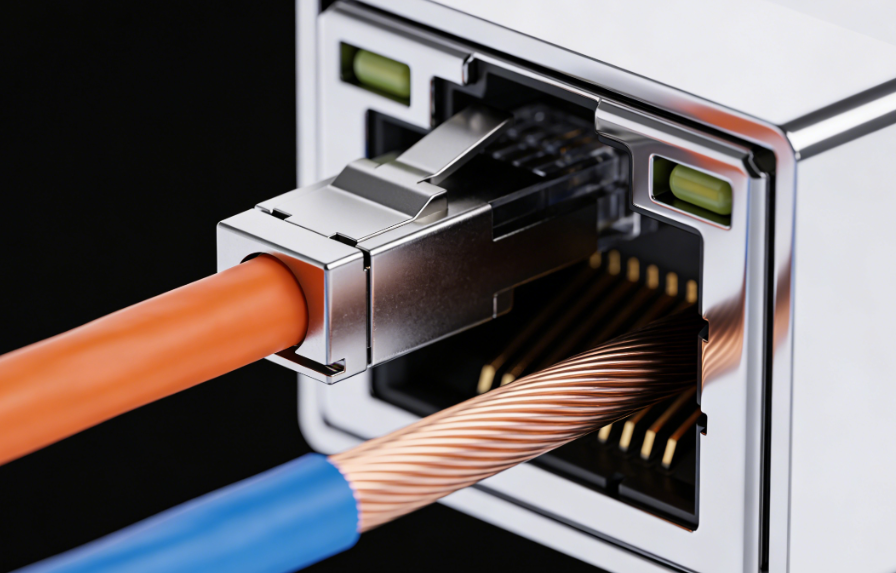
With copper, the signal remains electrical and is usually best for shorter distances. Copper SFPs are convenient when you want to reuse existing RJ45 cabling, but they can run warmer and have more practical constraints than many fiber options.
Step 4: The Receiver Restores the Signal for the Destination Device
At the other end, another SFP cage receives the incoming signal and converts it back into the electrical format the switch/router expects. On fiber, the receiver detects light and translates it into electrical data; on copper, it recovers the electrical signal from the twisted-pair link. The module also performs signal recovery/cleanup so the destination device can interpret the data stream correctly.
Step 5: Compatibility Between Both Ends Is Critical
Because an SFP cage link is built from two modules and a cable plant, the endpoints need to align on the basics: speed, media type, and—when fiber is involved—optical parameters such as wavelength and reach class. A mismatch here is one of the most common reasons links fail to come up or behave inconsistently.
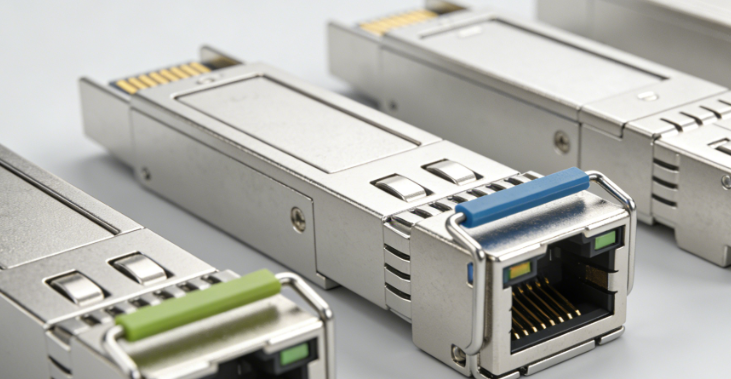
Step 6: Diagnostics Help You Keep the Link Healthy
Many SFP modules provide digital diagnostics that expose operational readings (for example, optical power levels and module temperature). In day-to-day operations, these metrics are useful for catching early warning signs—like gradually increasing loss from dirty connectors or stress on a cable—before the link becomes unstable.
Common Use Cases for SFP Cages
SFP Module Links for Switch-to-Switch / Switch-to-Router
In data centers and enterprise cores, SFP module ports are widely used for uplinks and interconnects because they let you keep the same switch platform while choosing the best transceiver for each connection—fiber or copper, short reach or long reach. From a hardware perspective, that modularity depends on the SFP cage connector on the PCB: the metal housing that secures the module and supports mechanical stability and shielding. For high-density switch/router designs, GLGNET provides SFP cage solutions built around mainstream form factors used across the SFP family.
SFP Module Uplinks for Longer-Distance Fiber Runs
For links that span floors, buildings, or campus networks, fiber SFP cages make upgrades and deployment changes much simpler—you can select optics based on reach and wavelength without redesigning the host device. On compact, high-port-count equipment, cage selection also matters: good EMI performance and thoughtful thermal support can help maintain stability when many ports operate side by side. GLGNET’s cage lineup is designed with these practical requirements in mind for dense, high-speed systems.
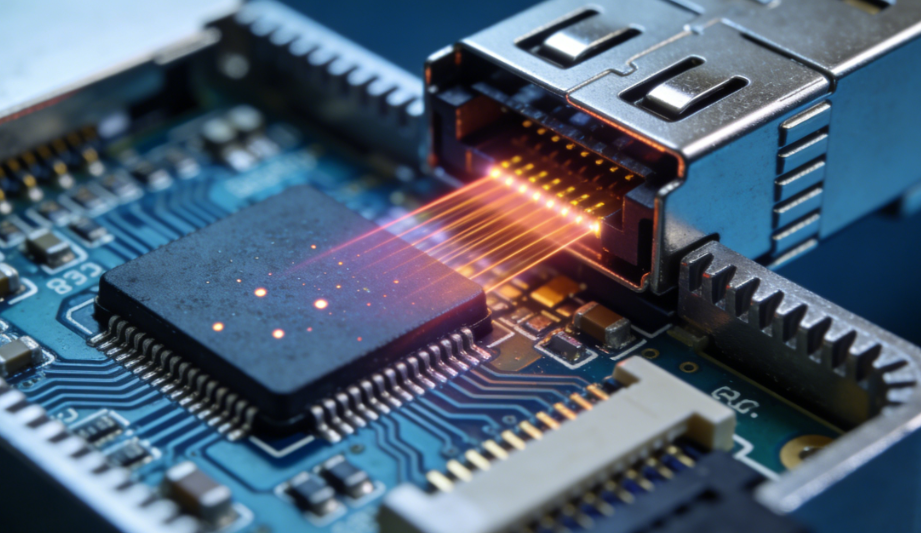
SFP Module Ports in Media Converters and Network Appliances
Media converters, access devices, and many network appliances use SFP cage slots so one hardware design can serve different environments—swap the module and you can adapt to fiber vs. copper, or different distances. On the manufacturing side, choices like stacked vs. ganged cages and different mounting styles can help optimize port density and PCB layout. GLGNET offers these configuration options, making it easier to design modular interfaces without overcomplicating assembly or enclosure constraints.
Choosing the Right SFP Module
1) Speed & Form Factor
Start with the bandwidth your link requires: 1G SFP, 10G SFP+, 25G SFP28, or higher-capacity form factors like QSFP/QSFP28 (40G/100G+). This choice determines what the port can support and quickly narrows the field of compatible transceivers. If you’re doing OEM hardware work, it’s also helpful to check form-factor references—GLGNET’s summaries are one example—so the speed tier you select lines up with typical enterprise, data-center, or telecom deployments.
2) Media Type: Single-Mode, Multi-Mode, or Copper
Next, match the module to the cabling environment: single-mode fiber for longer runs, multi-mode fiber for shorter in-building connections, or RJ45 copper when you need to reuse twisted-pair infrastructure. For hardware teams, the module and the host connector should be considered together: your SFP cage connector has to fit the target module family and also work with real mechanical constraints like front-panel space, port density, and latch clearance. Suppliers such as GLGNET offer different cage styles and mounting options, which can make layout and mechanical integration smoother.

3) Reach & Link Budget (Think Beyond Distance)
“Distance” on a datasheet is a starting point, not the full picture. Connector loss, patch panels, splices, fiber quality, and even cleanliness can all affect the link, so it’s better to plan around optical budget and your actual cabling path. In dense systems, heat and EMI can also become practical limits—especially when many ports are packed together. That’s why cage design details matter in real products; some vendors, including GLGNET, highlight aspects like EMI performance and optional thermal/light-pipe support for compact platforms.
4) Platform Compatibility & Vendor Coding
Finally, verify how the host device handles third-party optics. Some switches and routers enforce transceiver qualification or coding, so “fits in the slot” doesn’t always mean the link will come up. From a product lifecycle perspective, it’s also worth thinking about serviceability—choosing a cage/front-panel approach that allows easy replacement can reduce redesign risk later. In general, sticking close to widely adopted cage specifications (which suppliers like GLGNET target) helps keep your design flexible across different ecosystems.
Read more:
https://www.glgnet.biz/articledetail/what-is-the-difference-between-sff-and-sfp-module.html
https://www.glgnet.biz/articledetail/what-are-the-different-types-of-qsfp-connectors.html
Conclusion
SFP modules keep networking flexible: they handle the physical-layer “translation” between your device and the real-world cabling, they’re easy to swap during maintenance, and they let you adapt links by changing optics instead of changing hardware platforms.