This guide walks through the core ideas behind SFP compatibility, then zooms in on two of the most common questions in real deployments: SFP+ vs SFP28 and QSFP+ vs QSFP28. By understanding how ports, modules, cables, and vendor policies interact, you can avoid painful “link down” surprises and design a network that upgrades smoothly over time.
What Is SFP Compatibility?
SFP compatibility describes how well a transceiver module and a network device—such as a switch, router, or NIC—work together as a complete, stable link, not just whether the module can be physically inserted into the port. Even though many SFP-family modules share the same shape and connector, they can differ significantly in electrical design, supported data rates, and vendor-specific coding. As a result, a module that clicks into place perfectly may still fail to establish a link, operate at the wrong speed, or behave unpredictably.
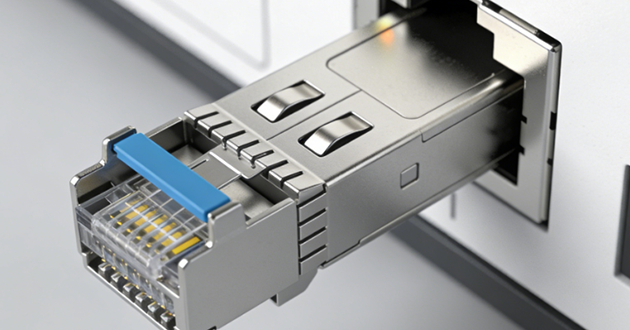
In practice, true SFP compatibility means the module is officially supported by the port, negotiates the intended speed, is correctly identified by the device firmware, and maintains stable performance under real network traffic. Verifying this goes beyond reading “SFP+” or “SFP28” on the label—you also need to confirm speed capabilities (10G, 25G, 40G, 100G), port type (SFP+, SFP28, QSFP+, QSFP28), the right cable or fiber type, and whether the vendor allows or restricts third-party optics. Ultimately, SFP compatibility is about selecting optics and hardware that work together as a reliable, standards-compliant link, rather than relying on form factor alone.
SFP+ vs SFP28 Compatibility
|
Module Type |
Inserted into Port Type |
Operating Speed |
Compatibility Note |
|
SFP+ module |
SFP28 port |
10G |
Supported. SFP28 port can run at 10G in downshift mode. |
|
SFP28 module |
SFP+ port |
— |
Not supported. SFP+ port cannot handle 25G signaling. |
1. Why SFP+ works in an SFP28 port
When you plug an SFP+ module into an SFP28 port, you’re essentially asking newer hardware to support an older speed—and that’s exactly what most 25G platforms are designed to do.
In this scenario:
On most modern switches and NICs, SFP28 ports are designed to automatically fall back to 10G when they detect an SFP+ module. The device reads the module’s EEPROM, recognizes it as 10G, and brings the interface up at 10 Gbps instead of 25 Gbps. From the hardware’s perspective, that lane is simply treated as a 10G SFP+ port on a 25G-capable chip, with the speed adjustment handled transparently in the background.
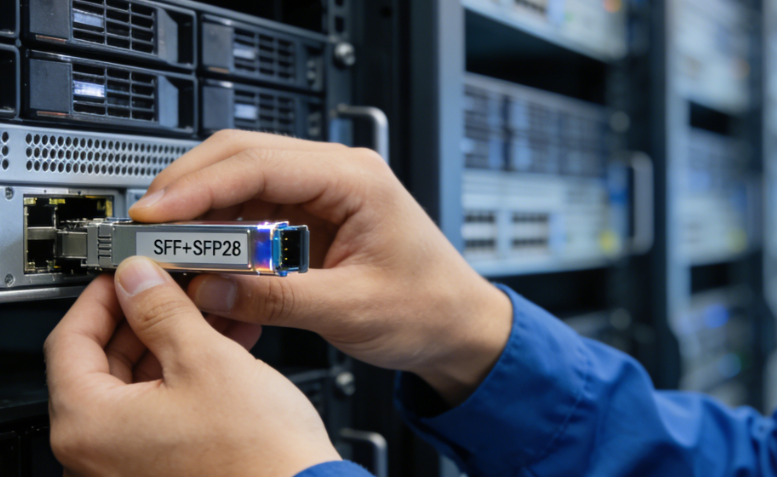
This backward compatibility is especially helpful during network upgrades. You can roll out a 25G switch while your servers, storage, or upstream devices are still running at 10G and continue using your existing SFP+ optics and cabling. It’s also useful when the switch supports 25G but the remote side or installed fiber is only certified for 10G, or when you want to run a mix of 10G and 25G links on the same switch. In these situations, SFP28 ports let you move toward 25G gradually, without an immediate, large-scale hardware replacement.
So, in short:
A 25G SFP28 port can reliably operate at 10G when you insert an SFP+ module.
2. Why SFP28 does not work in an SFP+ port
The problems start when you flip the direction.
If you plug an SFP28 module into an SFP+ port, the link cannot function because the port is only built for 10G signaling. The module may slide in and latch normally, but behind that, the SFP+ hardware simply doesn’t have the bandwidth, equalization, or signal integrity budget needed for 25G. The result is that the host device can’t establish a valid electrical link with the transceiver, even though everything looks compatible from the outside.
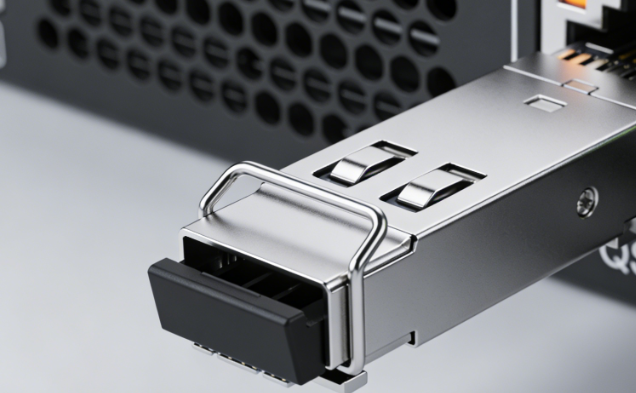
In real networks, this kind of mismatch can show up in a few frustrating ways. The switch or NIC may keep trying to read the module’s EEPROM but never fully initialize it, leaving the interface flagged as “unsupported” or showing a persistent module error. In other cases, the port may briefly attempt to train the link, then immediately drop back to a down state because the 10G PHY can’t lock onto 25G signaling. And in rare, misconfigured situations where the interface appears “up,” you’ll usually notice symptoms like heavy CRC errors, frequent link flaps, or throughput collapsing as soon as you push traffic—clear signs that a 10G-only port is being pushed beyond what its physical layer was designed to handle.
Therefore:
An SFP28 module cannot be used as a drop-in upgrade for an SFP+ port—the older 10G port hardware does not support 25G operation.
QSFP+ vs QSFP28 Compatibility
|
Module Type |
Inserted Into Port Type |
Operating Speed |
Compatibility Note |
|
QSFP+ module |
QSFP28 port |
40G |
Supported. QSFP28 ports can downshift to 40G. |
|
QSFP28 module |
QSFP+ port |
— |
Not supported. QSFP+ ports cannot operate at 100G. |
1. Why QSFP+ works in a QSFP28 port
When you plug a QSFP+ module into a QSFP28 port, you’re essentially asking a 100G-capable interface to run at a lower, legacy speed of 40G—and that’s exactly what most modern 100G platforms are built to support.
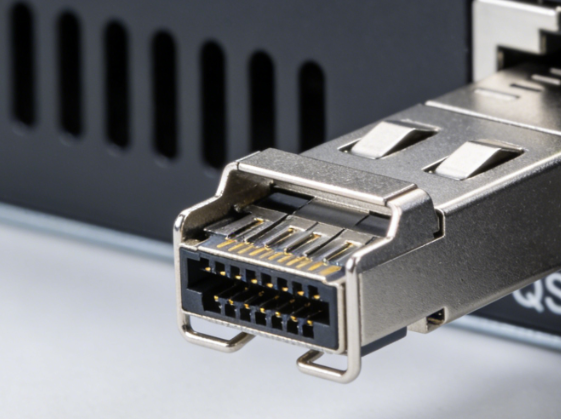
On today’s switches and NICs, QSFP28 ports will typically automatically step down to 40G when they detect a QSFP+ module. The device reads the module’s EEPROM, identifies it as QSFP+, and configures the interface to use 4 × 10G lanes instead of 4 × 25G. From the hardware’s point of view, that port is now acting like a standard 40G QSFP+ interface on top of a 100G-capable ASIC, with the speed change handled quietly in the background—no special tuning required in most cases.
This kind of backward compatibility is very useful in upgrade and mixed-speed environments. For example, you can introduce a 100G switch into a network where your spine or aggregation links are still running at 40G, keep your existing QSFP+ optics and cabling, and gradually roll out 100G links as devices and budgets allow. The same pattern works when only part of the network is ready for 100G, or when you want to run 40G and 100G side by side on the same chassis during a transition.
So, in short:
A 100G QSFP28 port can reliably operate at 40G when you insert a QSFP+ module.
2. Why QSFP28 does not work in a QSFP+ port
The problems start when you try to go the other way.
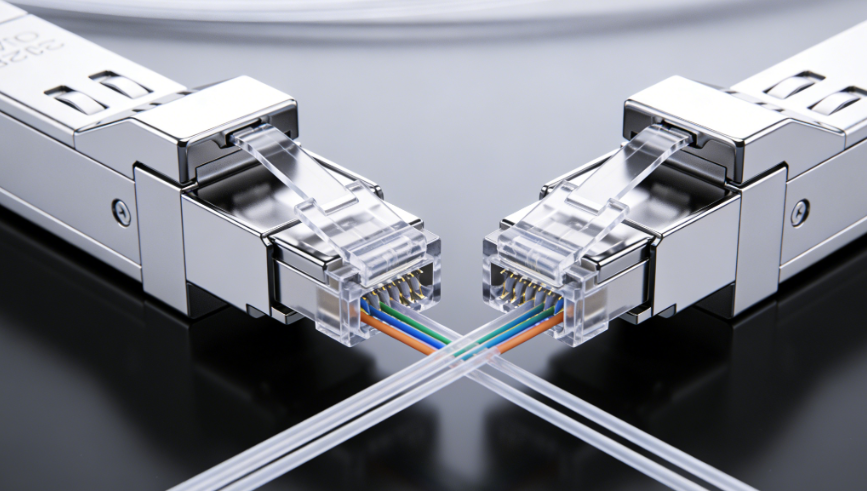
If you insert a QSFP28 module into a QSFP+ port, the connector clicks in just fine, but the underlying capabilities don’t match. A QSFP+ port is designed around 40G operation (4 × 10G lanes), and its PHY, signaling, and internal architecture aren’t built to handle 100G (4 × 25G). In practical terms, the older 40G hardware simply has no way to drive or interpret 25G lanes on each channel.
In real deployments, this mismatch usually shows up as the device refusing to bring the interface up, flagging the module as unsupported, or leaving the port stuck in a down or error state. Even if a misconfiguration causes the link to show as “up,” you’ll quickly notice high error counts, unstable throughput, or frequent flaps—all clear signs that a 40G-only port is being pushed beyond what its physical layer was designed to handle.
Therefore:
A QSFP28 module cannot be treated as a drop-in upgrade for a QSFP+ port—the 40G hardware simply doesn’t support 100G signaling or 25G lanes per channel.
Key Compatibility Guidelines for SFP, SFP+, SFP28, QSFP+, and QSFP28 Modules
To keep your network stable when mixing SFP, SFP+, SFP28, QSFP+, and QSFP28 modules, it helps to treat SFP compatibility as a checklist. Below are a few practical rules you can run through whenever you deploy or upgrade links.
1. Ports must support the module’s speed
A transceiver can only operate at speeds that the host port is designed to handle. If you plug a faster module into a slower port, it won’t link up—an SFP28 module won’t work in an SFP+ port, and a QSFP28 module won’t work in a QSFP+ port. The opposite is usually okay, as long as the device supports speed downshifting. A slower module can often be used in a faster port, such as an SFP+ in an SFP28 port (running at 10G) or a QSFP+ in a QSFP28 port (running at 40G), with the port automatically stepping down to the lower speed.
2. Cable type must match the intended speed
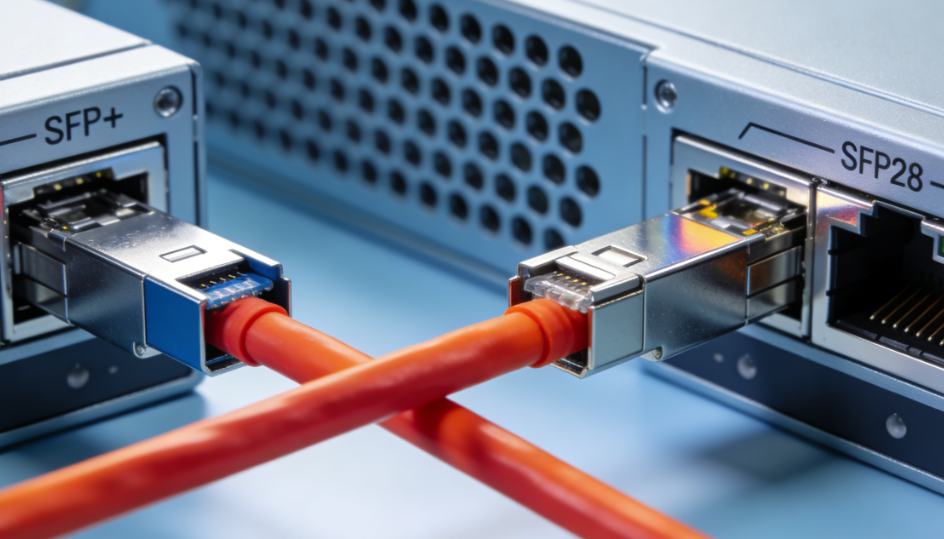
Even if the module and port are a good match, the cable still needs to be rated for the speed you’re running. A 10G DAC or AOC is not built or tested for 25G, and a 40G breakout cable cannot take the place of a 100G breakout assembly. The connectors may look the same, but the bandwidth, loss, and signal integrity requirements are not. Using a cable that’s below spec often shows up as flaky links, random errors, or ports that repeatedly fail link training.
3. Vendor compatibility (“vendor lock”) matters
Not every switch or NIC will accept every SFP or QSFP module. Many vendors enforce compatibility policies, checking the module’s EEPROM, vendor ID, or coding against an approved list. Some platforms only “like” optics coded for specific brands such as Cisco, Juniper, or Arista. Before you roll out a batch of transceivers, it’s worth confirming that your optics are officially supported or correctly coded, so you don’t get stuck with “unsupported module” warnings or disabled ports in production.
4. Check device support for breakout modes
Breakout is common in high-density designs—for example, QSFP28 → 4 × SFP28 (100G into 4 × 25G) or QSFP+ → 4 × SFP+ (40G into 4 × 10G). But not every port can run in breakout mode. Support depends on the hardware, firmware, and port profile configuration. Before you build a design that relies heavily on breakout, check the platform documentation or release notes to confirm exactly which QSFP+/QSFP28 breakout options are supported and under what conditions.
5. Use matching wavelengths and fiber types
On fiber links, SFP compatibility isn’t just about the module—it’s also about the right fiber and optics pairing. Use single-mode fiber (SMF) with single-mode optics and multimode fiber (MMF) with multimode optics. Both ends of the link must use matching wavelengths, such as 850 nm (SR) or 1310 nm (LR), and the actual distance must stay within the module’s rated reach. If fiber type, wavelength, or distance don’t line up with the SFP or QSFP specs, you’re likely to see high loss, poor signal quality, or a link that never comes up.
Read more:
https://www.glgnet.biz/articledetail/what-does-sfp-stand-for.html
Conclusion
SFP compatibility is about much more than whether a module physically fits the port. Speed support, port type, cable rating, breakout capabilities, wavelengths, and vendor lock-in all play a role in determining whether a link will actually come up and stay stable under load.