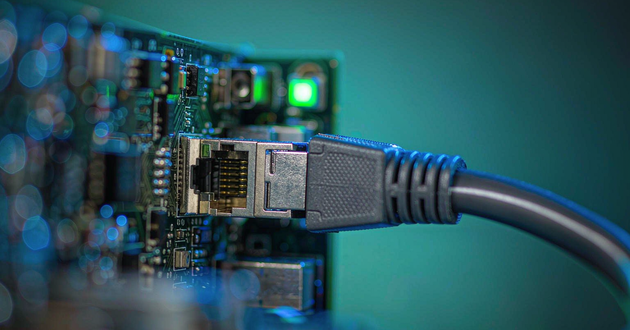
In modern fiber optic networks, SFP connector modules are key components for enabling high-speed data transmission between switches, routers, and fiber optic lines. However, incompatibility between the module and the device can lead to problems such as link failure, device recognition issues, or mismatched transmission rates.
This article focuses on the crucial importance of confirming the compatibility of SFP connector modules before purchasing or installing them, as this effectively ensures stable network operation and proper device function.
Why is It Necessary to Confirm SFP Connector Module Compatibility?
SFP connector modules are crucial components in fiber optic networks, used to connect switches, routers, and fiber optic lines, enabling high-speed data transmission between devices. If the SFP module is incompatible with the device, problems may arise such as the device failing to recognize the module, the port failing to establish a link, or a mismatch in transmission rates. Before purchasing or installing SFP modules, it is essential to confirm their compatibility. This effectively avoids network connection failures and ensures proper device operation.
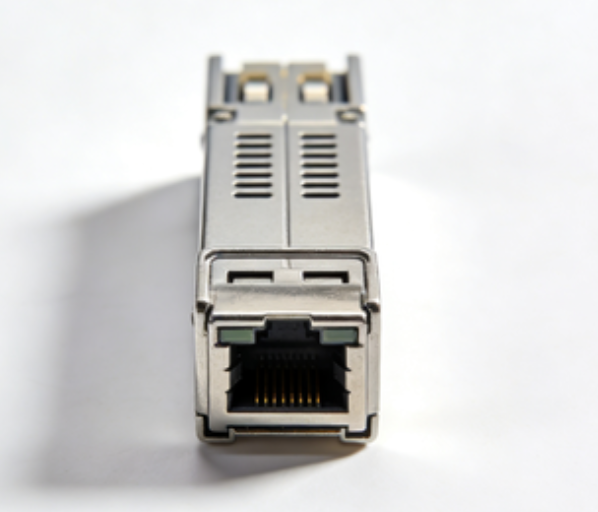
What Factors Primarily Determine The Compatibility of SFP Cage Modules?
Factor | Description |
Speed & Port Type | SFP (1G) vs SFP+ (10G); 1G SFP can usually work in a 10G SFP+ port, but 10G SFP+ cannot work in a 1G SFP port. |
Wavelength | Common wavelengths: 850nm, 1310nm, 1550nm; both ends of the fiber link must match. |
Fiber Type | Multi-mode (MMF) or Single-mode (SMF); module type must match the fiber used. |
Transmission Distance | Modules support different ranges, e.g., SR for short distance, LR for long distance. |
How to Quickly Determine if an SFP Connector/Cage Module is Compatible with Your Equipment?
Before purchasing or installing an SFP connector/cage module, we can confirm compatibility in advance. This can effectively avoid problems such as link establishment failure, transmission anomalies, or device recognition failure. Here are a few actionable methods:
1. Check Equipment Specifications
First, confirm the port type of the switch or router: is it a standard SFP (1Gbps) or an SFP+ (10Gbps)? The port speed must match the module to ensure stable link operation. In addition, we also need to pay attention to the supported fiber type (single-mode or multi-mode) and maximum transmission distance to ensure that the selected module can cover the network layout.
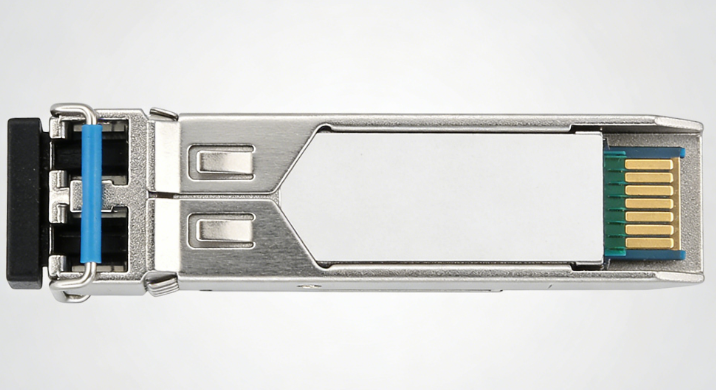
2. Verify Module Parameter Labels
GLGNET SFP connector/cage modules clearly indicate key parameters on their labels, including speed, wavelength, supported transmission distance, and fiber type. Before installation, we need to carefully verify this information to ensure consistency with the device port and fiber link. For example, a 1310nm wavelength single-mode SFP module cannot be directly used for a multi-mode fiber link; otherwise, it may lead to link establishment failure or degraded transmission performance.
3. Check the Official Compatibility List
The most reliable method is to refer to the equipment manufacturer's Compatibility Matrix. GLGNET SFP modules undergo rigorous testing and are compatible with mainstream brands of switches and routers, including Cisco, HP, and Juniper. Before purchasing, you can check detailed compatibility information on the GLGNET official website product page and compare it with the equipment manufacturer's official list to ensure that the selected SFP cage/connector module is fully compatible with the hardware. This step is especially important for enterprise-level network environments, as it can prevent modules from being unrecognizable due to vendor lock.
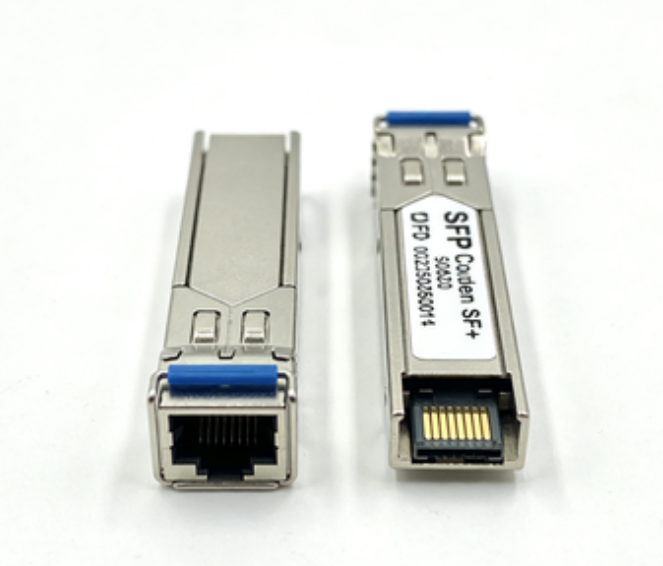
Tip: GLGNET offers a wide range of 1G/10G SFP and SFP+ cage/connector modules, including short-distance (SR), long-distance (LR), multimode/single-mode fiber, and products of different power levels to meet the needs of various network scenarios. Before purchasing, simply confirm the port type, wavelength, fiber type, and transmission distance to quickly determine module compatibility and ensure link stability and network performance.
Note the Vendor Code of SFP Connector Modules
1. Enterprise-level equipment may be vendor-locked.
Many enterprise-level switches and routers have vendor code restrictions on SFP connector modules. Some devices only recognize modules with official codes. If an uncoded or incompatible third-party module is used, the device may not be able to recognize it or a link anomaly may occur.
2. Common compatibility issues
Incorrectly coded third-party SFP cage modules may cause the device to be unable to establish a link, or even if the module is inserted into a physical port, it may not be recognized as a valid interface. This is especially common in enterprise network equipment from brands such as Cisco and Juniper.
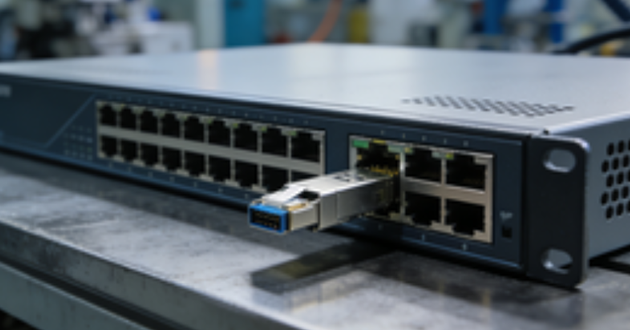
3. Solution
Choosing a pre-coded SFP module is the most direct solution. Most SFP connector modules provided by GLGNET support pre-coding and are compatible with mainstream brands such as Cisco, HP, and Juniper, ensuring that they are recognized by the device immediately after insertion, without additional configuration or coding.
FAQs
1. How to check SFP compatibility?
To check if an SFP module is compatible, verify that the module’s speed (1G/10G), wavelength (850nm/1310nm/1550nm), and fiber type (single-mode or multi-mode) match your switch or router port. The most reliable method is to consult your device’s official Compatibility Matrix. For enterprise switches like Cisco, HP, or Juniper, ensure the module is correctly coded or check recognition via CLI commands like show interface transceiver.
2. Can I plug SFP+ into SFP28?
Yes, in some cases, a 10G SFP+ module can work in a 25G SFP28 port, but at a reduced speed of 10G. However, not all devices support this backward compatibility. Always check your switch’s official specifications before plugging in a lower-speed module to avoid unexpected link issues.
3. Will any SFP work with any switch?
No. SFP modules are not universally compatible. Compatibility depends on speed, wavelength, fiber type, and vendor coding. Many enterprise switches require modules to be certified or pre-coded for their brand. Using an unsupported module may result in the port not recognizing it or the link failing.
4. Are SFPs interchangeable?
Partially. SFPs of the same speed and type can sometimes be interchanged between compatible ports. For example, a 1G SFP can often work in different 1G ports, but 10G SFP+ modules cannot work in 1G SFP ports. Always verify device specs, port type, and vendor compatibility before swapping modules to ensure proper operation.
Conclusion
To ensure network stability and performance, selecting rigorously tested SFP modules compatible with mainstream brand equipment is crucial. GLGNET offers a wide range of 1G/10G SFP and SFP+ modules, including short-distance (SR), long-distance (LR), multimode/single-mode fiber, and products with different power ratings to meet the needs of various network environments.
Visit theGLGNET official website now to view detailed product information and choose the high-quality SFP module suitable for your network to ensure link stability and worry-free equipment compatibility!
Read more:
https://www.glgnet.biz/articledetail/can-sfp-and-sfp-connector-modules-be-used-together.html
https://www.glgnet.biz/articledetail/how-to-choose-the-right-sfp-cage-for-our-setup.html